
Custom Channel Integration
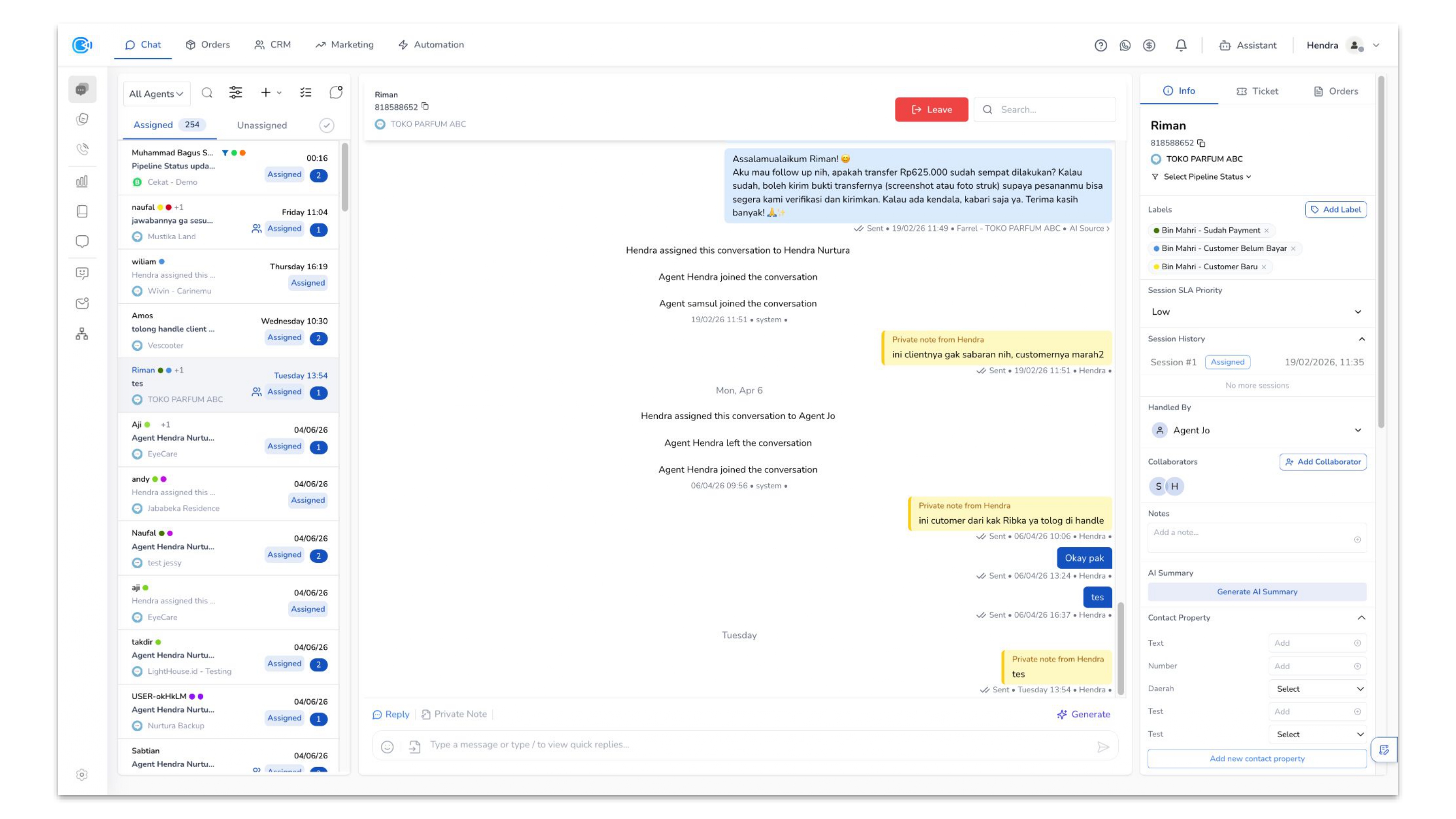
The Custom Channel Integration allows you to connect any messaging system or custom application to CekatAI, enabling you to centralize conversations from platforms not natively supported.
How It Works
The Custom API acts as a bridge between your external system and CekatAI:
- Inbound Messages — Your system sends messages to CekatAI via the Custom API endpoint
- Outbound Messages — CekatAI sends agent replies back to your system through a webhook
Setup Steps
- Go to Connected Platform Page > Add Platform > Custom API
- Enter a name for your custom channel
- Configure the API endpoint URL where CekatAI should send outgoing messages
- Set up authentication (API key, OAuth, or token-based)
- Define the message format your system expects (JSON schema)
- Test the connection to verify message flow
Key Features
- Bidirectional Messaging — Send and receive messages between your system and CekatAI
- Custom Event Mapping — Map your system events to CekatAI conversation updates
- Webhook Support — Receive real-time notifications for agent replies and status changes
- Flexible Authentication — Support for API keys, OAuth 2.0, and custom headers
For detailed API specifications, refer to the Developer Page > New Open API section which includes endpoint documentation, request/response schemas, and code samples.