
Conversation Page
The Conversation feature provides full visibility and control over all customer interactions within a centralized dashboard. This allows you to unify conversations across channels, respond faster, monitor performance more efficiently, and take immediate data-driven actions—all within a scalable workflow.
To support these capabilities, the platform provides a set of powerful tools designed to help you navigate, analyze, and take action on your conversation data more effectively—such as Search, Filter, Export, and customizable Actions.
a. Search
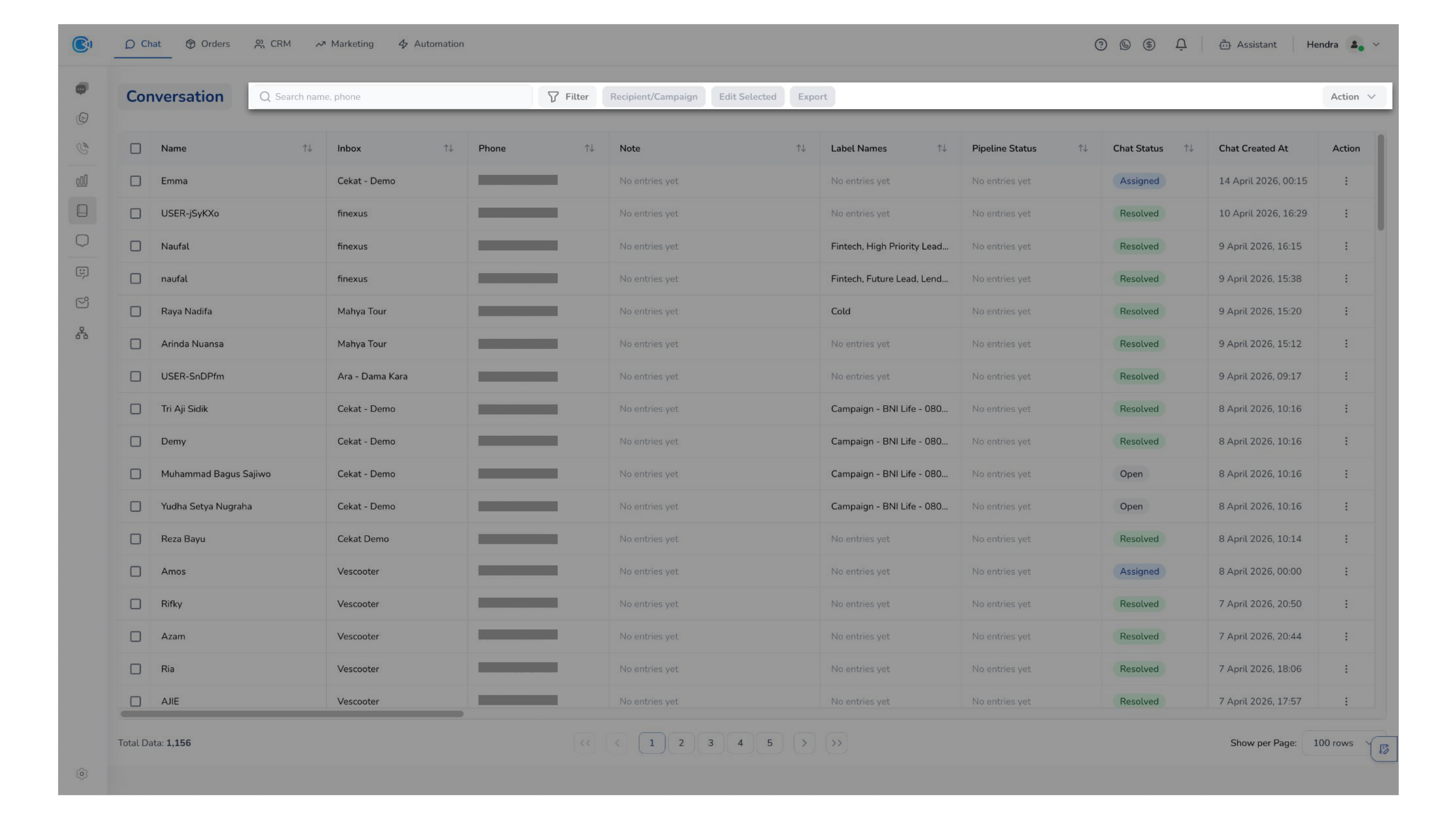
The Search feature enables you to quickly locate specific conversations. This reduces manual effort, delivers real-time results, and helps you handle customer inquiries faster and more efficiently.
You can search by:
- Customer Name → Quickly find conversations by customer identity
- Phone Number → Locate chats using registered contact numbers
b. Filter
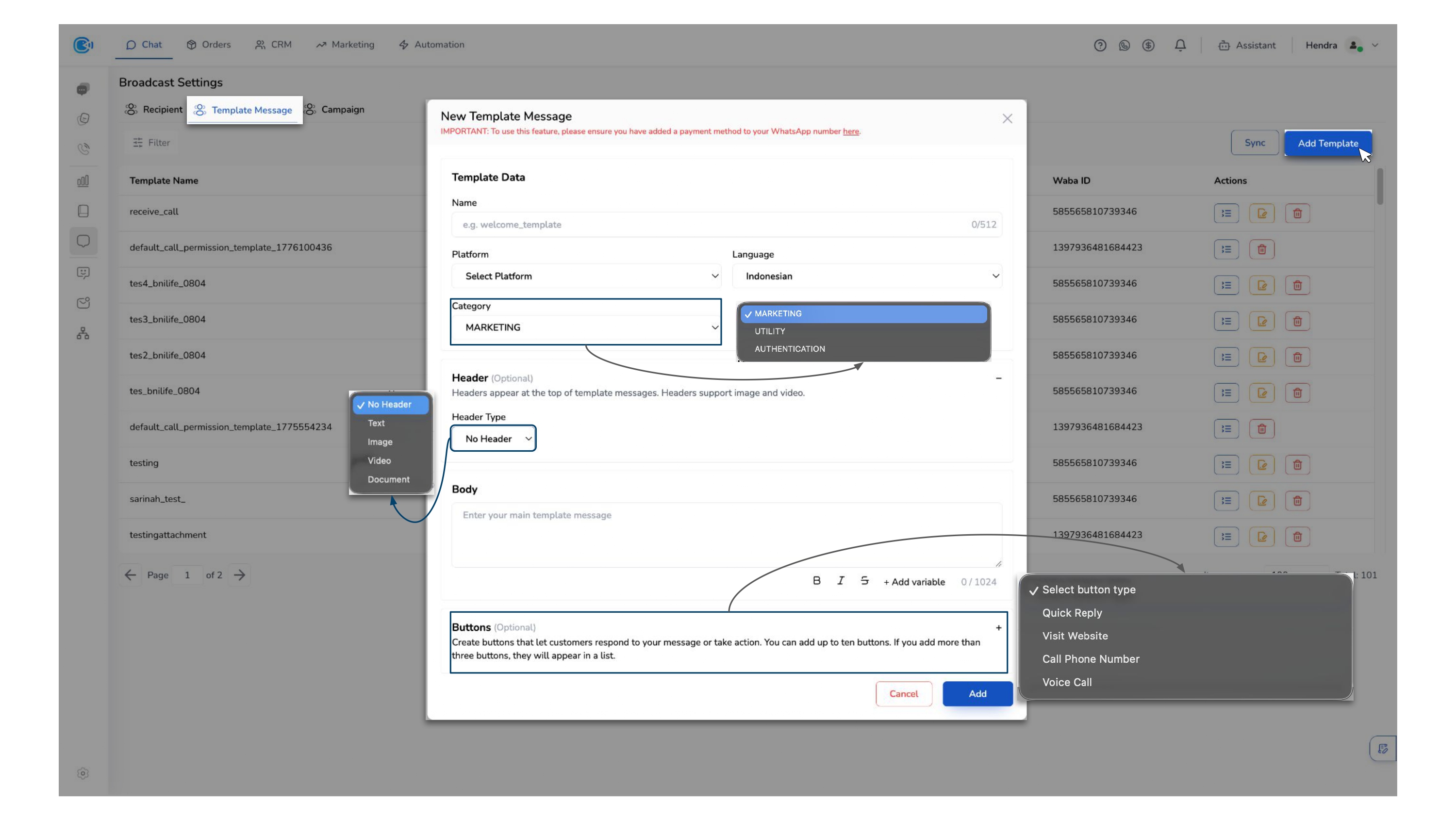
The Filter feature provides flexibility for you to segment and analyze conversations based on specific criteria. This enables you to identify relevant conversations faster, monitor performance more effectively, and make more precise decisions.
You can filter conversations based on:
- First Message → Search by the content of the initial message
- Date Range (Created At) → Filter by when the conversation was created
- Date Range (Last Message) → Filter by latest activity
- Chat Status → (Open, Assigned, Resolved, etc.)
- Pipeline Status → Track position within the sales pipeline
- Inboxes → Identify the source/channel of conversations
- Label Names → Customer segmentation
- Handled By / Assigned By / Resolved By → Agent performance tracking
c. Export
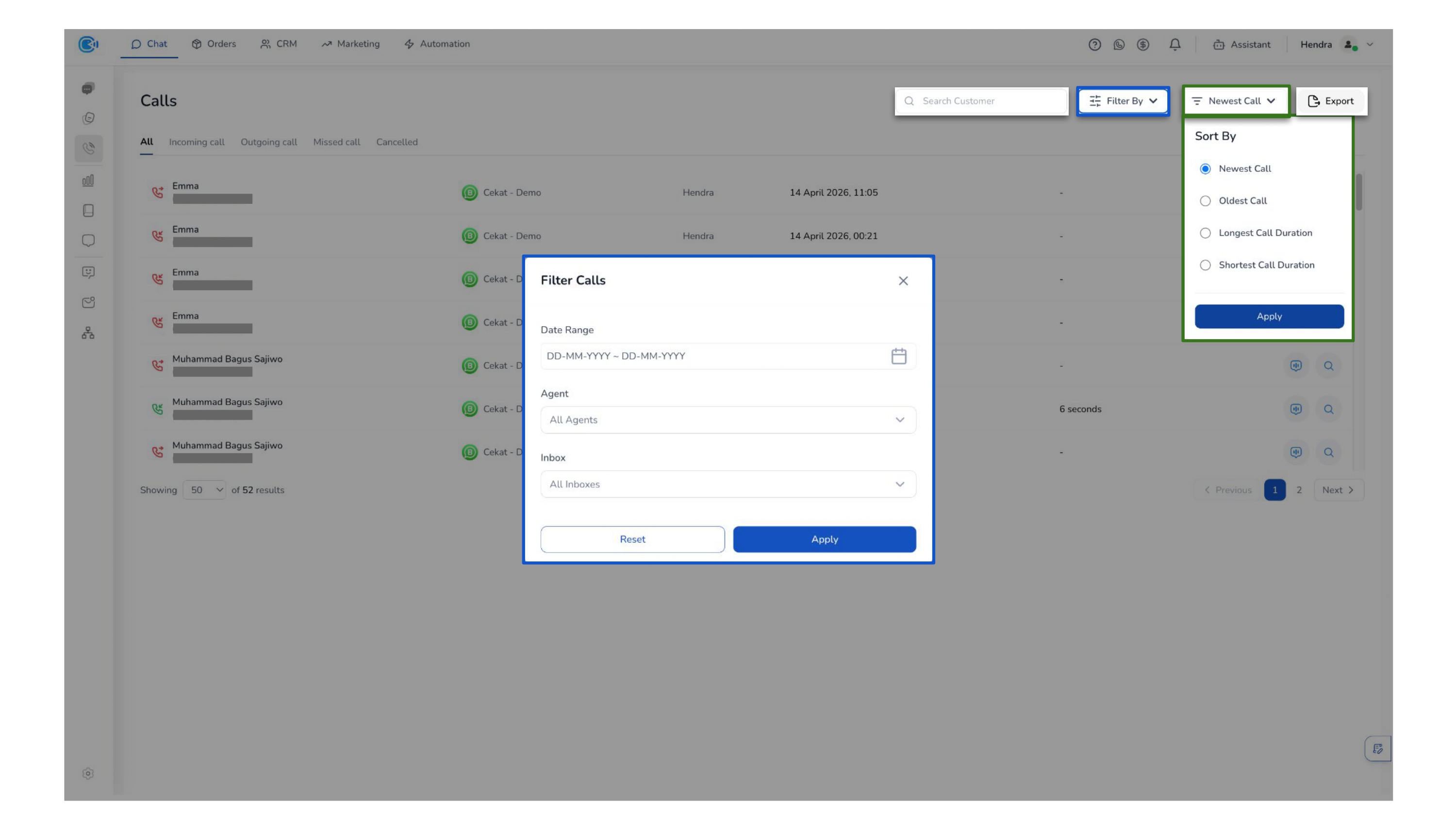
The Export feature allows you to download conversation data for further use. This makes it easier for you to generate reports, analyze performance, track trends, and turn daily operations into actionable insights.
d. List Conversation Customers
List Conversation Customers provides a centralized view of all customer conversations, enabling you to monitor activity, segment audiences, and perform actions in bulk efficiently.
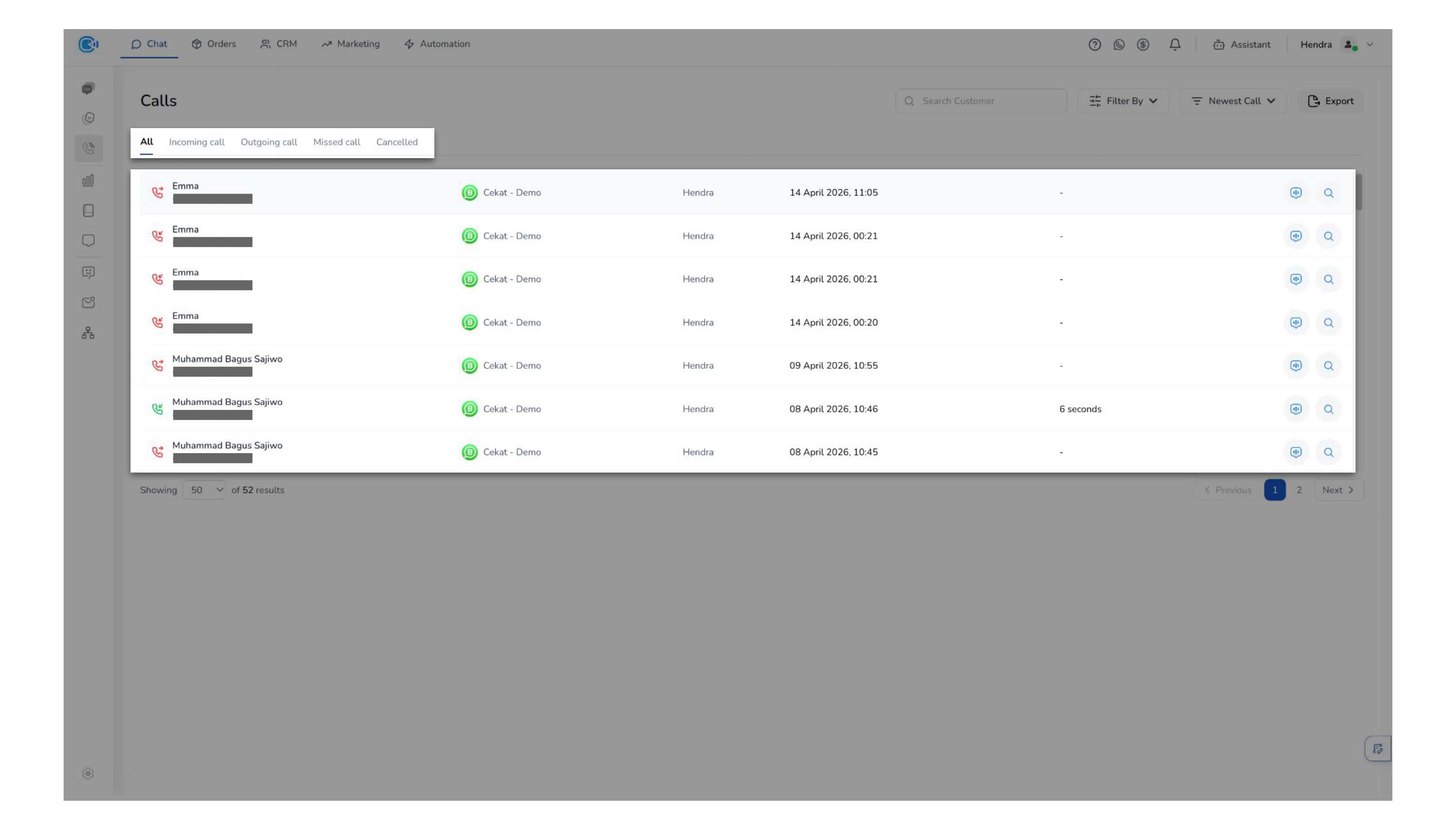
Customers appear in this list when interactions are received from connected platforms integrated with the Cekat dashboard.
-
Select Customers — Allows you to select one or multiple customers to perform bulk actions, including:
- Create Campaign — Create a campaign based on selected customers for targeted broadcast messaging. Make sure message templates are prepared and approved before sending.
- Edit Selected Customers — Update selected customers in bulk (Assigned By, Handled By, Resolved By, Pipeline Status, Labels).
- Export — Export selected customer data for external use or reporting.
-
Actions — Customize which columns are displayed in the list by adding or removing fields based on your preference.
-
Action for Each List Customer — Allows you to access detailed information and perform specific actions for each customer.
- View Details — The Customer Details section provides a centralized view of all key customer insights, allowing you to understand context, history, and activity in one place before taking action.
- Conversation Customer Details — Provides a complete overview of the customer's core information in one place, including their identity, labels, assignment tracking, and custom fields. This helps you quickly understand the customer context and current handling status before taking any action.
- Call Activities — Displays a chronological record of all call interactions with the customer, allowing you to track communication history, understand engagement patterns, and ensure more informed follow-ups.
- Tickets — Shows all related support tickets associated with the customer, giving you visibility into ongoing or past issues so you can maintain continuity and deliver more consistent support.
- Orders — Presents any order or transaction data linked to the customer, helping you understand their purchase history and enabling more personalized interactions or upselling opportunities.
- Customer Journeys — Visualizes the customer's full interaction timeline across touchpoints, allowing you to see key milestones and better understand their lifecycle to make more contextual and strategic decisions.
- Conversation — Redirects you to the Conversation Room to view and manage the customer's conversation.
- View Details — The Customer Details section provides a centralized view of all key customer insights, allowing you to understand context, history, and activity in one place before taking action.