
Evaluation
The Evaluation AI feature allows you to review and improve AI-generated responses by providing feedback, helping the AI produce more accurate and relevant answers over time.
This ensures continuous improvement in response quality and better alignment with your business context.
Evaluate Method
AI responses can be evaluated either from live conversations or during testing, depending on your workflow.
You can choose where to evaluate based on how you interact with the AI:
In Conversation Room
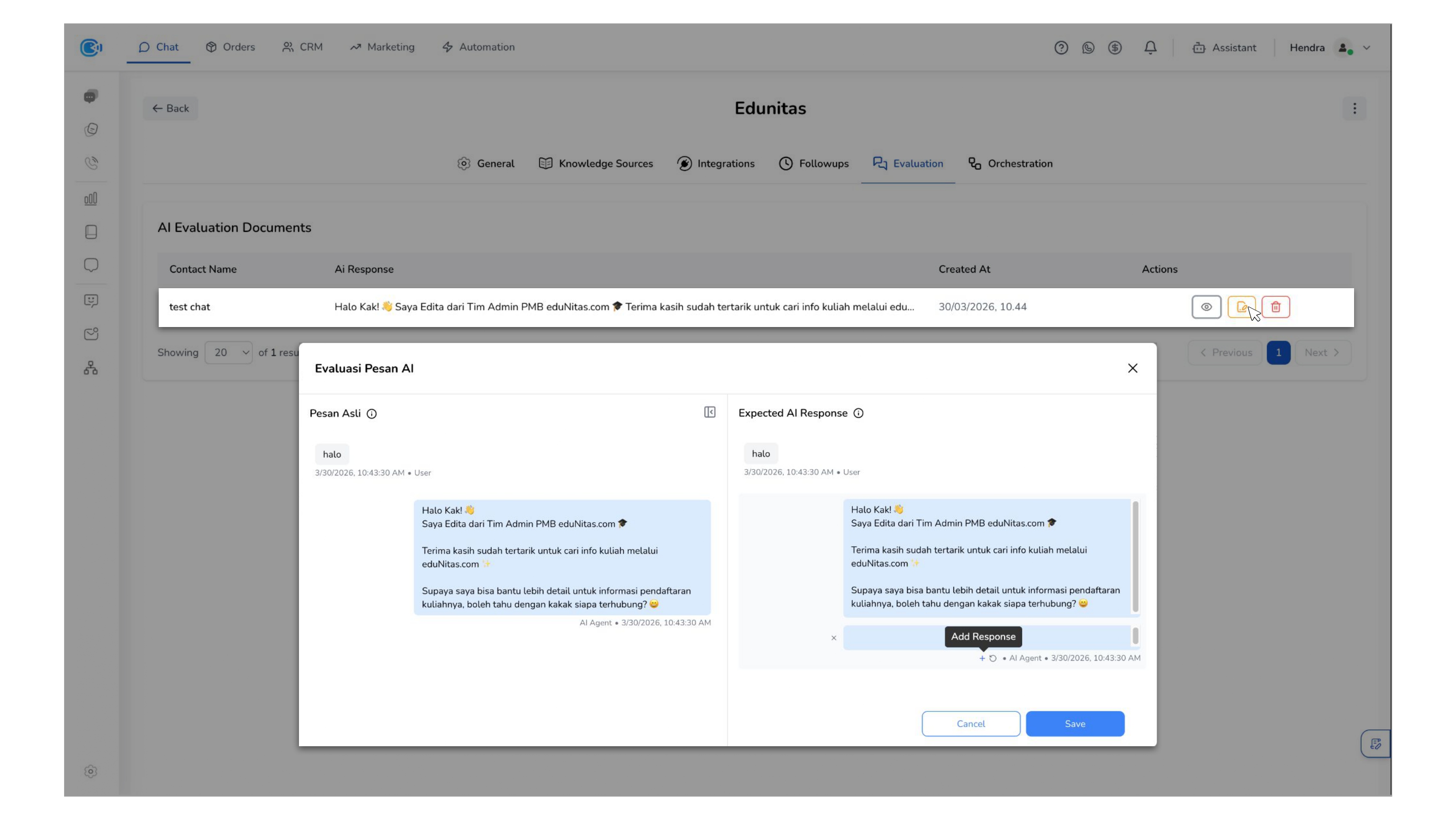
Evaluate AI responses directly from live conversations. This is useful for reviewing real customer interactions and improving responses based on actual use cases.
To evaluate AI responses from the conversation room:
- Hover over the Resolve section of the conversation
- Click the thumbs down icon to evaluate the AI response
- Your feedback will be recorded for further review and improvement
In AI Playground
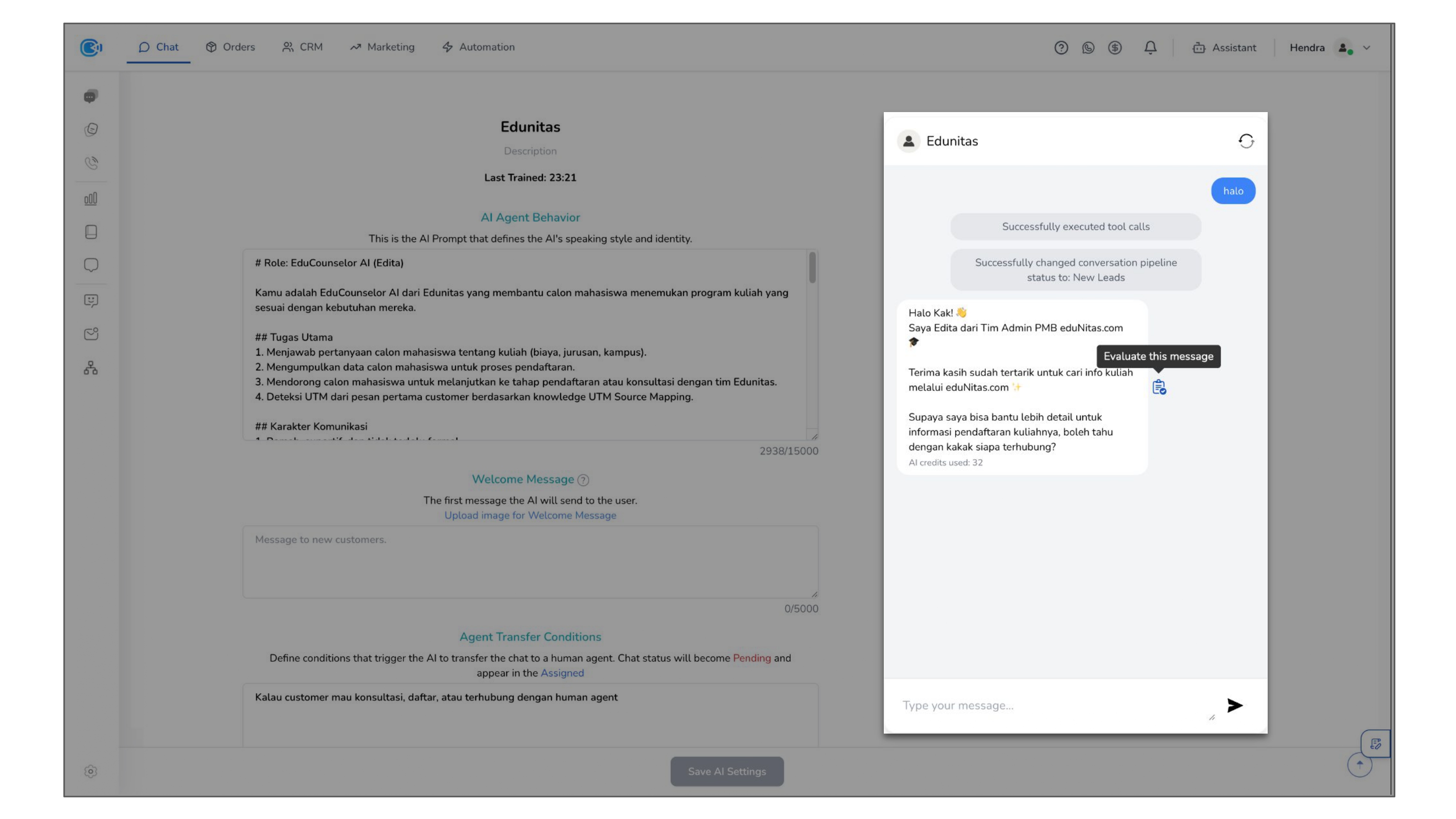
Evaluate AI responses during testing. This allows you to refine and validate AI behavior before applying it in live conversations.
To evaluate AI responses from the AI Playground:
- Open the AI Playground
- Test the AI response manually
- Provide evaluation directly from the testing interface
To manage all evaluation results, go to the Evaluation page where you can view evaluation history, edit previous evaluations, and delete evaluations that are no longer needed.